 WE CARE YOU GROW
Local SEO for retail stores: a checklist for independent shops
Shoppers often check online before they drive across town. They want to know if you're open, whether you carry what they need and what the store looks like. An independent shop that answers those questions on Google gets the visit that would have gone to a chain.
Free for up to 3 shops. Starts from your Google Maps listing.
Where shoppers find independent stores
- Google MapsSearches like "florist near me" or "pet store open now" show your hours, photos and, in some countries, the products in your store.
- Apple MapsiPhone users see your Apple Maps place card, which you can claim to control hours, photos and details.
- InstagramNew arrivals, bouquets and window displays are what bring followers into a small shop.
- FacebookLocal groups and your page are where neighbors share shop recommendations and event news.
- NextdoorA neighborhood app strongest in the US, where residents ask each other for local shop recommendations.
- YelpStrongest in the US, where shoppers read Yelp reviews and photos for boutiques, florists and pet stores.
- ShopifyIf you also sell online, a Shopify store can list the same products with local pickup at your shop.
What to check on your store's Google Business Profile
- Specific categoryChoose "Florist", "Pet supply store", "Gift shop" or "Women's clothing store" rather than a general one. Specific categories match what people actually search for.
- Holiday and special hoursSet special hours ahead of holidays, sales weekends and inventory days. Wrong holiday hours send people to a locked door.
- In-store productsIn the US, Canada, the UK, Ireland and Australia, eligible stores can show barcoded products from their point-of-sale system on Google. Otherwise add key products by hand in the product editor.
- Pickup and delivery attributesMark in-store pickup, curbside pickup or delivery if you offer them, plus accessibility and payment options.
- Service area for deliveriesIf you deliver, such as flowers or pet food, add a service area while keeping your shop address visible to walk-in customers.
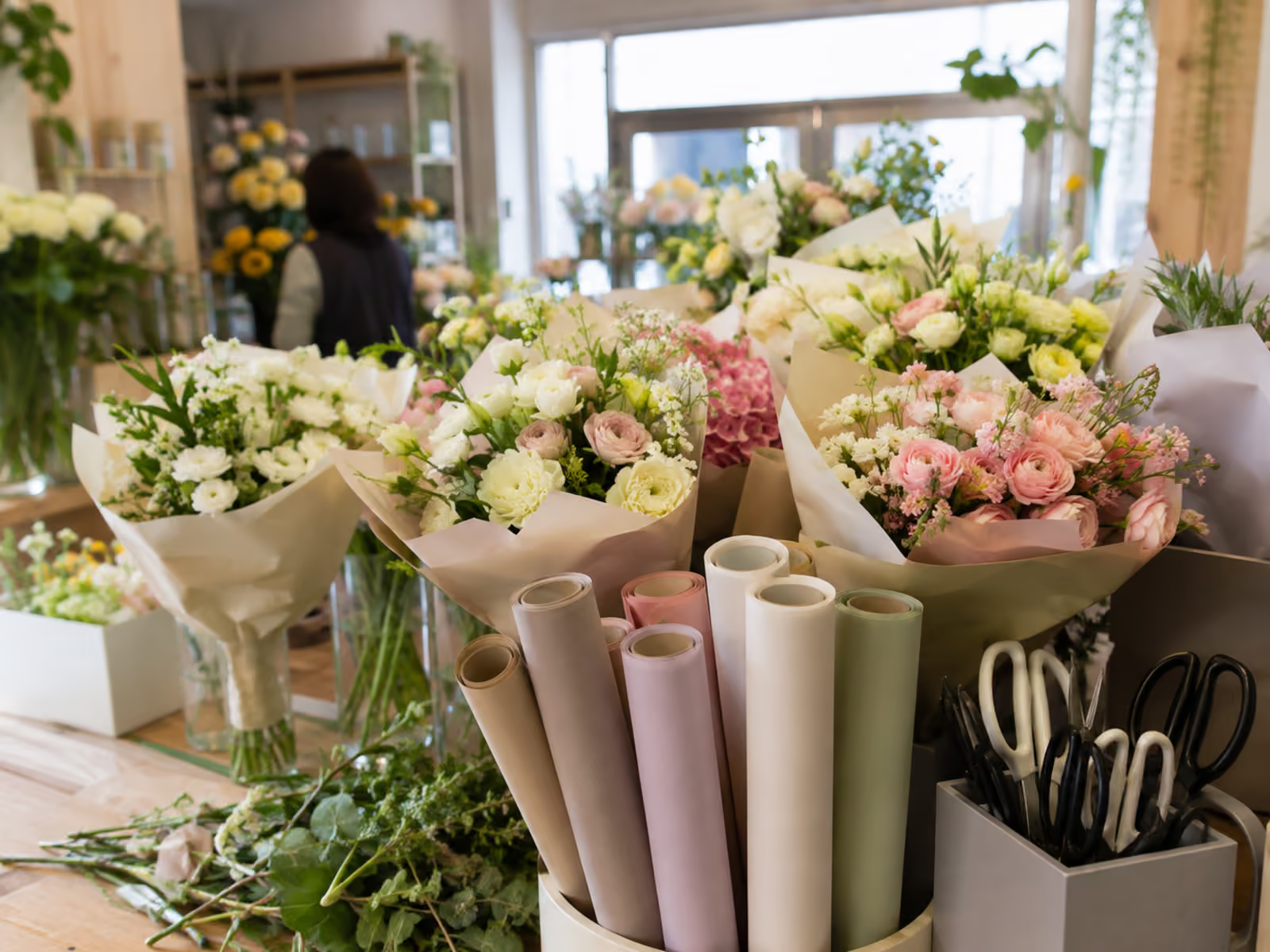
- Store photosShow the storefront, the inside, window displays and new stock. People like to know what they'll find before they come in.
- Offers and eventsPost sales as offers with start and end dates, and workshops or launches as events. These appear on your profile until they expire.
What not to do
- Don't add product names or your city to your business name, such as "Rosie's Flowers Same Day Delivery"; Google can suspend profiles for it.
- Don't offer a gift card or discount for a review; Google removes incentivized reviews, and the FTC rule bans buying fake ones in the US.
- Don't hide or bury negative reviews on your own website while presenting the rest as all your reviews; the FTC treats that as review suppression.
What KAEWOO handles each month for shops
- Online shop listings
- Instagram posts
- Nextdoor posts & deals
- Yelp photos
- Set up a text club
- Connect Messenger
Free for up to 3 shops. Starts from your Google Maps listing.
FAQ
How do my products show up on Google?
In the US, Canada, the UK, Ireland and Australia, a store with a verified profile that sells products with manufacturer barcodes can connect its point-of-sale system to show in-store products. Shops with handmade or unbarcoded goods can add products manually.
I'm a florist who mostly delivers. Should I hide my address?
If customers can visit the shop during your hours, keep the address visible and add a service area for deliveries. Hide the address only if you don't serve customers at that location.
What does KAEWOO's free checkup look at for a shop?
After you sign up and enter your store's name or Google Maps link, KAEWOO reads your Google listing, checks where you appear on Google Maps for your category at a grid of points around you, and compares you with top nearby competitors. You get a score out of 100 and an action plan in priority order, free for up to 3 shops.