 WE CARE YOU GROW
Restaurant marketing on Google Maps: a local SEO checklist
Diners choose in a few taps. They search on Google Maps, look at photos and recent reviews, then call, order or book. If your hours are wrong or your menu is out of date, they move to the next listing.
Free for up to 3 shops. Starts from your Google Maps listing.
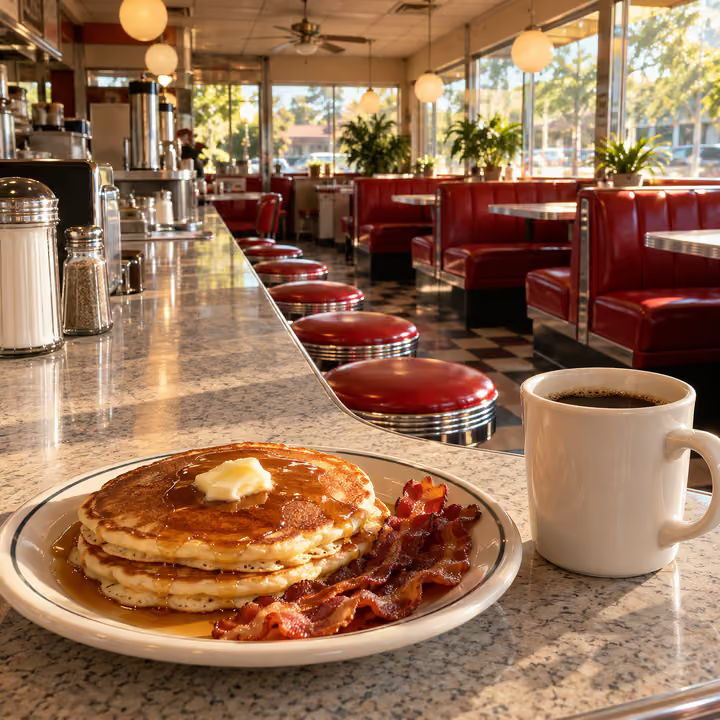
Where diners look before they pick a restaurant
- Google MapsA "near me" search shows your map listing with hours, menu, photos and reviews, often before anyone sees your website.
- Apple MapsIt is the default map on iPhones, and you control its hours, photos and details by claiming your place with Apple Business Connect.
- YelpStrongest in the US, where many diners read Yelp reviews and photos, so your hours and menu there should match Google.
- Uber Eats and DoorDashDelivery listings need the same menu, prices and photos as your Google profile, and other markets have their own leaders, such as Deliveroo and Just Eat in the UK.
- OpenTableA reservation app used in the US, UK, Canada, Ireland and Australia that can add a booking button to your Google listing through Reserve with Google.
- InstagramPeople check recent dish and dining room photos here before trying a new place.
- TripadvisorVisitors use it to choose where to eat in a town they don't know.
What to check on your restaurant's Google Business Profile
- Specific primary categoryChoose "Pizza restaurant" or "Mexican restaurant" over plain "Restaurant". Google asks for as few categories as possible, each one finishing the sentence "This business is a...".
- Dine-in hours firstGoogle says restaurants should use dine-in hours as the main hours, then takeout hours if there is no seating. Add holiday special hours before each holiday, not after.
- Menu with pricesAdd dishes with descriptions and prices in the menu editor, grouped into sections. Changes can take a day or two to appear, so update ahead of a menu change.
- Ordering linksCheck which pickup and delivery providers appear on your profile and mark your preferred one. If you take orders directly, add your own ordering link.
- Reservation buttonIf you use a reservation system that works with Reserve with Google, such as OpenTable, Resy or Tock, connect it. Otherwise add a link to your booking page.
- Service attributesConfirm dine-in, takeout, delivery, outdoor seating, accessibility and payment options. Guests rely on these, and a wrong one leads to a disappointed visit.
- Current photosUpload photos of your main dishes, the dining room and the storefront so people recognize you from the street. Remove photos of dishes you no longer serve.
- Review repliesReply to new reviews, including low ratings, briefly and politely. Replies are public and appear under the review as coming from your business.
What not to do
- Don't add keywords, neighborhoods or taglines to your business name, such as "Joe's Pizza Late Night Delivery Downtown"; Google can suspend profiles for it.
- Don't pay for reviews or offer a free dessert or discount for one; Google removes incentivized reviews, and the FTC rule bans buying fake reviews in the US.
- Don't ask only happy guests for reviews or pressure diners to post one before they leave; Google's policy forbids both.
What KAEWOO handles each month for restaurants
- Update Google Business Profile
- Organize menu & prices
- Reply to reviews
- Delivery app listing
- Delivery app photos
- Low-star review alerts
Free for up to 3 shops. Starts from your Google Maps listing.
FAQ
How do I get my restaurant higher on Google Maps?
Google says local results depend on relevance, distance and prominence, and that you can't pay for a better local ranking. What you control is a complete, accurate profile, a current menu and photos, and steady, genuine reviews with replies.
My menu is on my website. Do I still need it on Google?
Yes. Diners often read the menu right on the Maps listing. Google can also pull menu details from your website, so keep the two in sync when prices change.
What does KAEWOO's free checkup look at?
You sign up and enter your restaurant's name or Google Maps link. KAEWOO reads your Google Business Profile, including hours, photos, owner updates, a recent sample of reviews with your replies, and ordering or booking links. It checks where you appear on Google Maps for your category at a grid of points around you, compares you with top nearby competitors, and gives a score out of 100 with an action plan in priority order.
How long does each fix take with a subscription?
About one to two weeks per action plan, because platforms review changes and you approve them first. KAEWOO works through your plans at a set pace each month, using the accounts you connect.