
 WE CARE YOU GROW
Gym and fitness studio marketing: a local SEO checklist
People pick a studio close to home or work. They search "pilates near me" or "yoga studio", look at the space, read reviews and want to book a first class right away. A clear booking path matters as much as the photos.
Free for up to 3 shops. Starts from your Google Maps listing.
Where people find a studio or gym
- Google Maps"Pilates near me" and "gym near me" searches show map listings where a booking button can take a class booking directly.
- InstagramPeople look at the room, the instructors and class clips here before trying a studio.
- ClassPassA class marketplace in many US, UK, Canadian and Australian cities where people try studios with drop-in classes.
- MindbodyStudios that run on Mindbody appear in its consumer app, and Mindbody is a Reserve with Google partner for class booking.
- YelpStrongest in the US, where people read gym and studio reviews on Yelp alongside Google.
- Apple MapsiPhone users see your Apple Maps place card, which you can claim to control hours, photos and details.
What to check on your studio's Google Business Profile
- Specific categoryChoose "Pilates studio", "Yoga studio", "Dance school", "Gym" or "Fitness center" to match your main offer.
- Hours vs. class scheduleA gym with set opening times should list them. A class-only studio shouldn't turn its timetable into opening hours; Google's guidelines say to leave hours off for businesses with varied class schedules.
- Booking buttonConnect your scheduling software if it works with Reserve with Google, such as Mindbody, or add your own booking link. Ask your provider whether bookings through Google carry a fee.
- Services listAdd each class type and private session, such as reformer pilates, hot yoga or personal training, with a short description of who it suits.
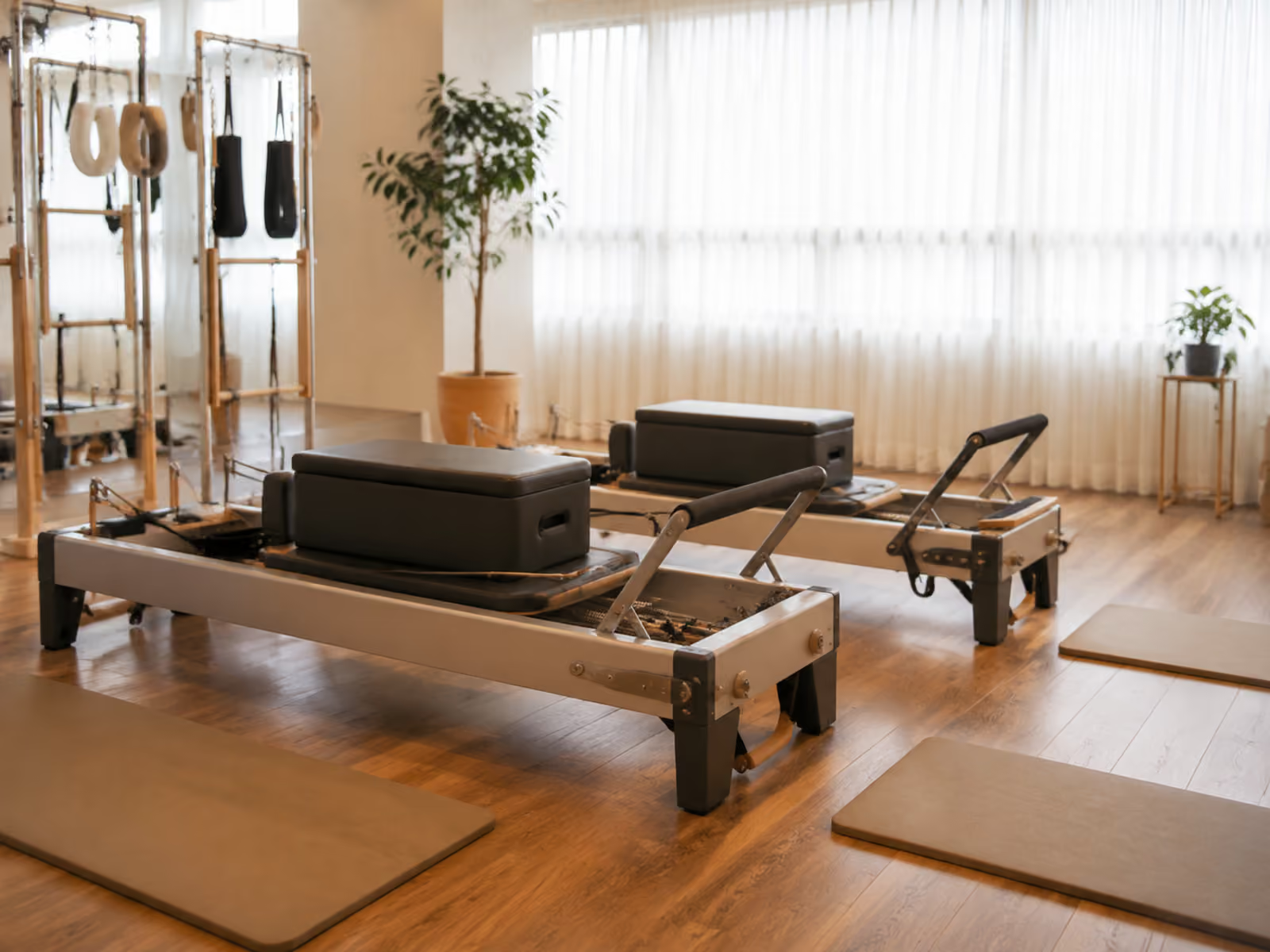
- Photos of the spaceShow the studio, the equipment, the changing rooms and the entrance. Get members' permission before posting class photos with faces.
- New class updatesPost new classes, schedule changes and workshops as updates or events so returning visitors see what's new.
- Review repliesReply to reviews from members and first-timers alike. Answer complaints about crowding or cancellations with what you've changed.
What not to do
- Don't give a free class or a discounted month for a review; Google removes incentivized reviews.
- Don't set review quotas for instructors or ask members to name an instructor in their review; Google's policy forbids both.
- Don't add words like "Reformer Pilates Downtown" or class names to your business name; Google can suspend profiles that pad the name.
What KAEWOO handles each month for studios
- Set up online booking
- Booking options & info
- Google updates
- Instagram posts
- Threads posts
- Reply to reviews
Free for up to 3 shops. Starts from your Google Maps listing.
FAQ
Should I enter my class schedule as opening hours?
No. Google's guidelines say businesses with varied hours, such as class schedules, shouldn't provide hours. Link your schedule through the booking button or your website, and use opening hours only if your front desk or gym floor has fixed times.
Can people book a class straight from Google?
Yes, if your scheduling software is a Reserve with Google partner, such as Mindbody. Once connected, Google says the booking option appears on your listing within a week.
What does KAEWOO's free checkup look at for a studio?
After you sign up and enter your studio's name or Google Maps link, KAEWOO reads your listing, including description, photos, owner updates, booking links and a recent sample of reviews with your replies. It checks where you appear on Google Maps for your category at a grid of points around you and compares you with top nearby studios. You get a score out of 100 and an action plan in priority order.